Desktop apps
Desktop app · macOS and Windows
Radio
Endless music made live on your computer: calm focus music, a live band and psytrance, with a visualizer.
Coming soonThe first release is on its way.
- macOS: macOS 11 or later · Apple Silicon and Intel
- Windows: Windows 10 or 11 · 64-bit
- Free, no paid version
- No account
- None. Every note is made on your computer; nothing is streamed, recorded or sent anywhere.
What it does
- Music that never repeats
- Every note is composed and played live on your computer, so a style can play all day without looping. Press New music for a fresh take on the same style.
- Three stations
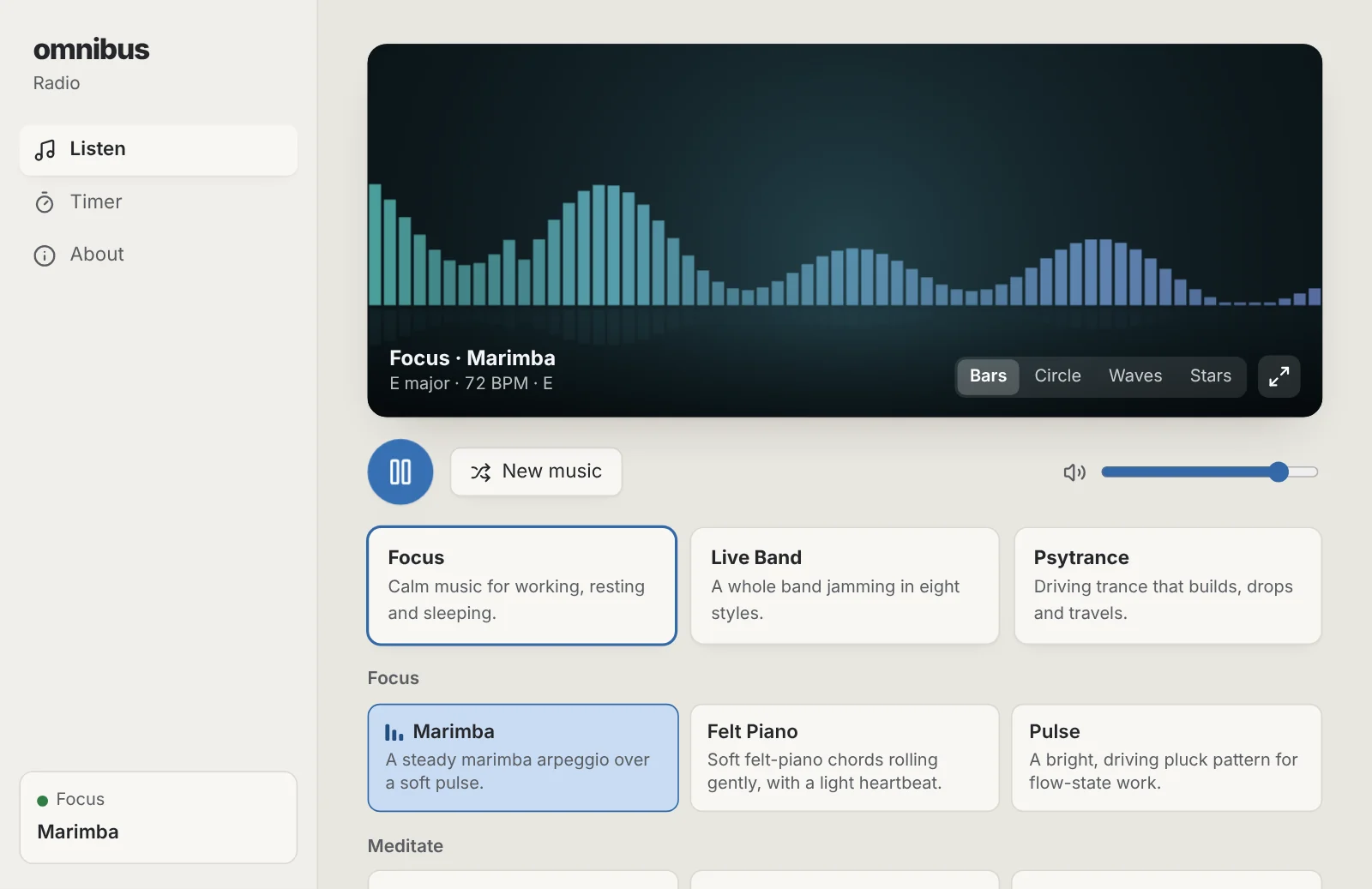
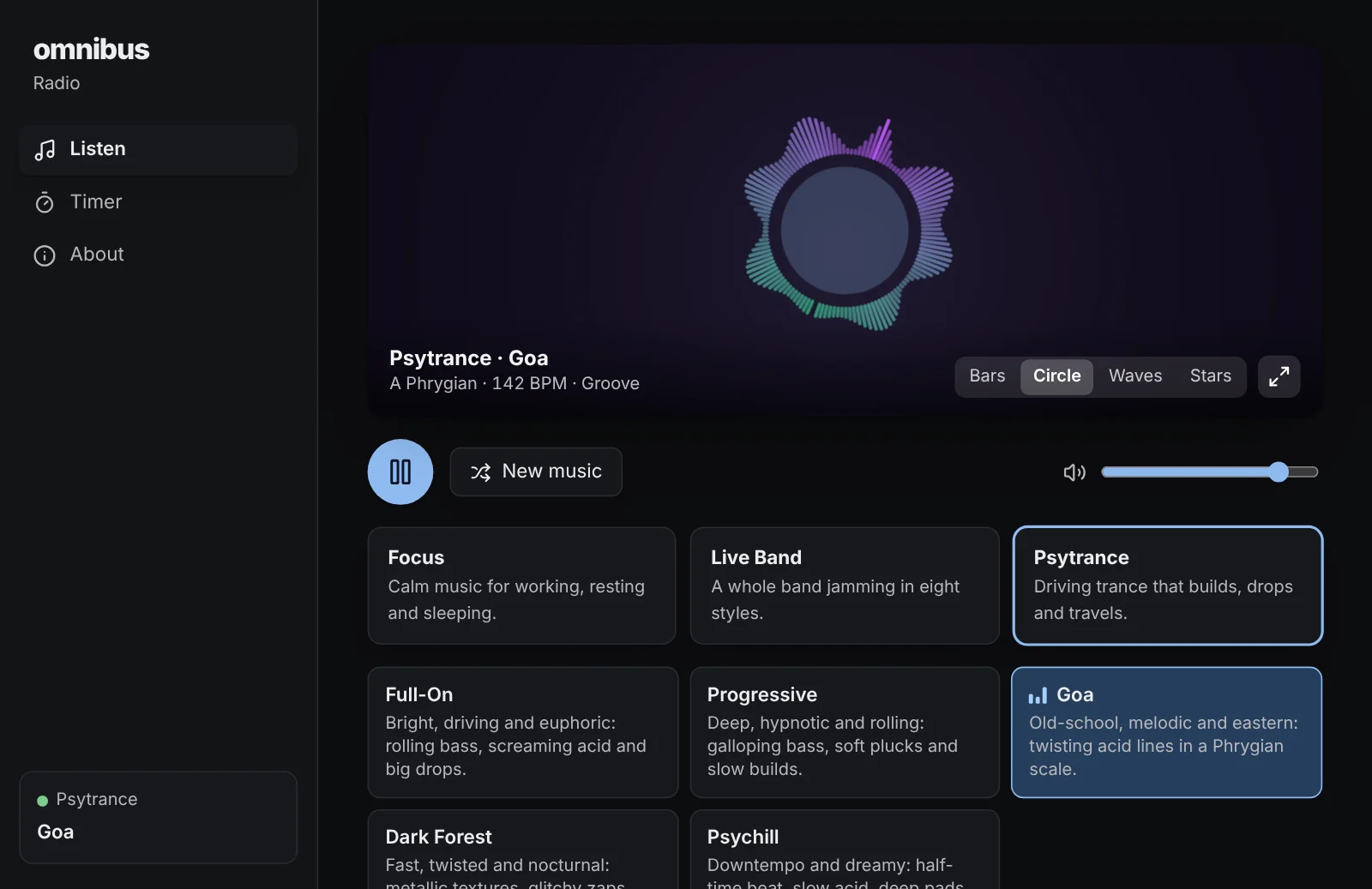
- Focus has 15 calm scenes for working, meditating, relaxing, sleeping and dreaming. Live Band jams in eight styles, from lo-fi hip-hop and house to funk, reggae and chiptune. Psytrance builds, drops and travels in five styles.
- A visualizer
- Bars, a circle, waves or a starfield that move with the music, in each station's colours. Double-click for full screen.
- An optional timer
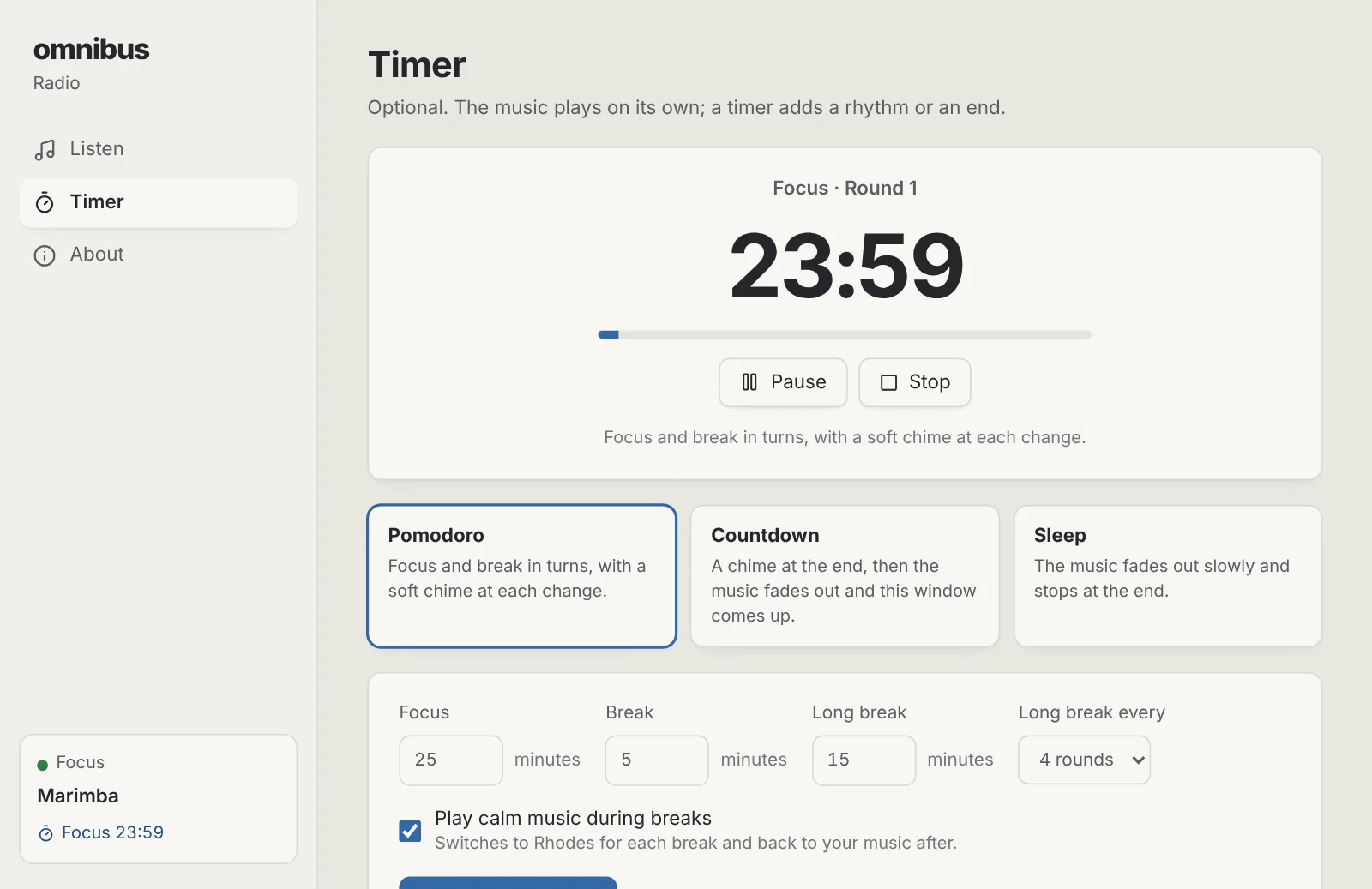
- Pomodoro with soft chimes and calm music for breaks, a countdown that fades the music out and brings the window up, or a sleep timer that fades out slowly.
- Plays in the background
- Close the window and the music keeps playing from the menu bar or tray. Your keyboard's play key and the system's media controls work too.
- No internet, no account
- No streaming, no ads and nothing to sign in to. It uses about as little power as a music player.
Installing it
macOS
- Open the downloaded .dmg file.
- Drag Radio into the Applications folder.
- Open Radio from Applications. macOS says it can't check the app: click Done, then go to System Settings › Privacy & Security, scroll down and click Open Anyway.
Windows
- Run the downloaded -setup.exe file.
- Windows shows a blue “Windows protected your PC” notice because the app is new and not yet signed: click More info, then Run anyway.
- Follow the installer. It installs for your account only, so it doesn't ask for an administrator password.
Radio questions
- Is it really free?
- Yes. No trial, no subscription, no account and no ads. It is part of omnibus.tools, which keeps every tool free.
- Where does the music come from?
- Radio composes it as it plays: melodies, chords, drums and bass are chosen live from each style's rules and synthesised on your computer. Nothing is downloaded or streamed, so it works offline.
- Does it repeat?
- No. The music keeps changing as it plays, with new melodies, sections and fills, so it never loops back to the start.
- Does it keep playing when I close the window?
- Yes, while music or a timer is playing. Open it again from the menu bar on a Mac or the system tray on Windows, or quit it from there.
- Is the timer required?
- No. The music plays on its own for as long as you like. The timer is there when you want Pomodoro rounds, a countdown or a sleep fade.
More apps
Storage Cleaner: Free up space on your Mac or PC, and see everything before anything goes.Phone Mirror: See your Android phone on your computer and use it with your mouse and keyboard.Focus: See which apps and websites take your time, and keep the distracting ones away.Studio: Look your best in every call app, and record polished screen videos with your camera in a bubble.Beam: Send photos, files and text between your phones, tablets and computers over Wi-Fi, every way.